10 Best Shopify SEO Tools to Grow Your Store Traffic (Free & Paid)
Shopify–the world’s Fifth Avenue. Fantastic stores, high traffic, aggressive competition. If you’re planning to set up shop there, you’ll have to make your business noticeable.
- 675 million shoppers made a purchase on Shopify in 2023;
- The average conversion rate of a Shopify store is 1.3%;
- Average order value (AOV) on Shopify is $85 per purchase;
- 27% of Shopify customers return for a repeat purchase.
Sellers often think that Shopify = automatic success. They are only half right. True, opening a store with Shopify is both easy and fast. But getting customers? Not so much.
Everything you’ve heard about e-commerce being a “competitive landscape” is right. At the moment, the online retail giant powers nearly 5 million stores across 175 countries.
Don’t worry, you won’t have to compete against all of them. But you’ll still have to work on your store’s visibility, crawlability, and conversion potential. I’ll help you with that.
Today, I will tell you everything about apps and tools that can help you fill in the gaps and boost search traffic to your store. Below, I will cover the best Shopify SEO tools in 2025, both free and paid, and help you pick the right one for your specific situation and use case. Let’s go.
Need smarter keyword insights and competitive data for your Shopify store? Try Rankioz free – built for e-commerce growth.
What to Look for in a Shopify SEO Tool
What is the first thing you should look for in a Shopify SEO tool?
The main factor to consider here is whether or not a tool actually works for Shopify SEO, because not all of them do. Well-known all-in-one tools like Ahrefs might be useful for keyword research and backlinks, but not for on-page SEO. Shopify requires a special approach for this.
Due to this unique structure, the first thing you should look for is:
- Shopify compatibility: Only a Shopify-specific SEO tool can help you effectively optimize meta titles, image alt tags, and structured data. Plus, they enable automatic syncing with Shopify’s theme updates, especially if using a headless framework.
- Meta titles & descriptions: Unlike standard tools, which have strong meta title and description editors but lack bulk editing, Shopify tools allow you to optimize meta tags in bulk, see character count, preview snippets, and get SEO tips in real time.
- Image alt tag automation: If you’ve ever had to tag every image on your site by hand, you know why this is a must-have. Find a Shopify SEO tool that lets you do this in bulk or that offers some kind of alt tag automation, whether using AI or templates.
- Structured data support: Nestlé has measured an 82% increase in click rate from rich snippets. This is especially important for e-commerce stores, where structured data for products, pricing, and reviews is crucial for navigation and user experience.
- Keyword research features: Most top-rated SEO tools come with built-in capabilities for keyword research. Finding high-intent, low-competition terms to target with your content is SEO 101, so don’t just assume a tool can help you with this. Always check.
- Loading speed optimization: Shopify recommends lowering your store's loading speed to under 3 seconds. Tools that can help you do that are invaluable. They offer critical features like image compression, lazy loading, script deferral, and speed checks.
- Integration with analytics: The best SEO tools let you see the results of your effort. Look for solutions that integrate with Google Analytics 4, Google Search Console, and platforms like Rankioz to track your rankings, traffic, and SEO performance.
Top 10 Shopify SEO Tools & Apps in 2025
1. Plug In SEO
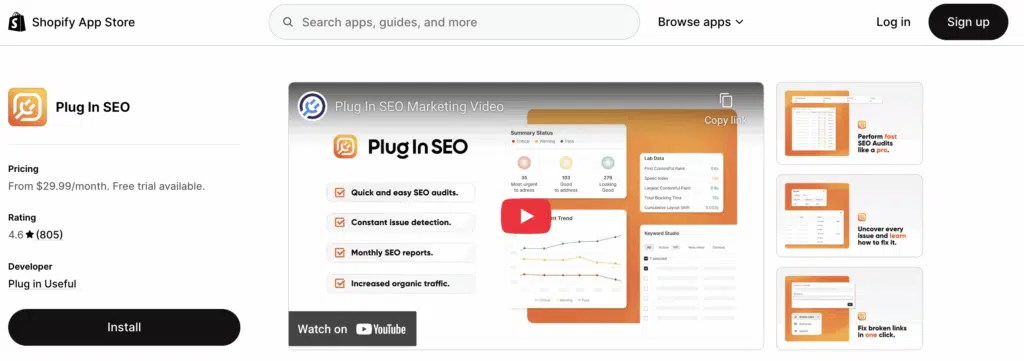
Plug In SEO claims to be a super-friendly diagnostics and reporting tool for Shopify store owners who prefer a budget-friendly, DIY approach to optimization. It performs as promised: It scans your store for common SEO issues and tells you how to fix them. Clean and easy.
Standout Features
- Automatic SEO audits with prioritized suggestions
- Structured data (JSON-LD) support
- Bulk editing for meta titles and descriptions
- Blog and content SEO tips
- Integration with Google Search Console
Pricing
- Small Store: $29.99/month (for up to 200 pages)
- Medium Store: $49.99/month (for up to 12,000 pages)
- Large Store: $99.99/month (unlimited pages)
Who It's Best for
Small and mid-size Shopify sellers looking for a hassle-free, easy to master solution that doesn’t involve complex teamwork or expensive consultants.
Pros
- Actionable solutions for all your SEO problems
- Helpful for on-page SEO and blog optimization
- It comes with a built-in structured data markup
Cons
- Limited keyword research capabilities
- It might be too basic for advanced SEOs
Shopify App Store Rating
4.6/5 stars based on 811 reviews
2. Smart SEO
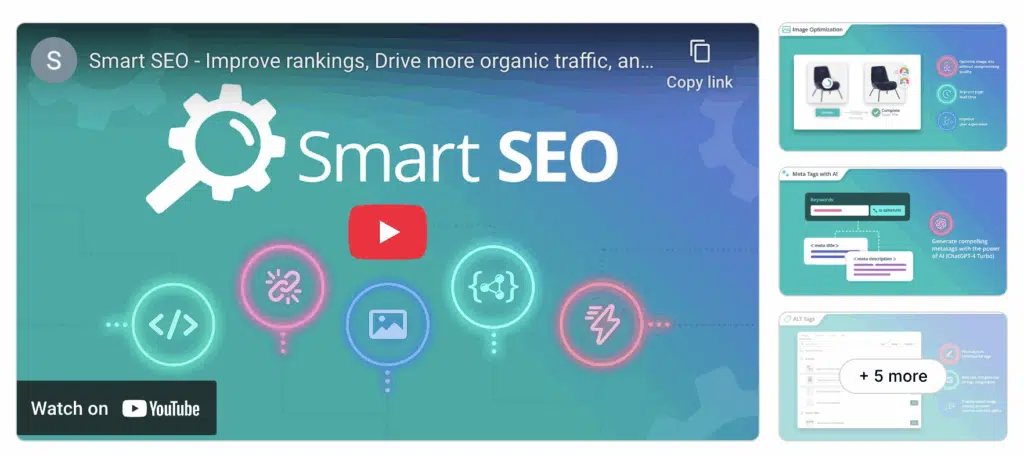
Smart SEO was built by Sherpas Design to automate SEO tasks that are daunting to beginners and taxing to advanced users, like generating meta tags, image alt tags, and structured data. But that’s not the best part. The best part is that it uses templates and automation rules for EVERYTHING, allowing you to keep your SEO on point and still have a social life. Hard to believe, I know.
Standout Features
- Easy meta tags and alt text automation
- Customizable templates for bulk editing
- JSON-LD structured data markup support
- Multi-language support on Shopify Markets
- Broken link and sitemap management
Pricing
- Free Plan: Limited features, including metatags optimization
- Pro Plan: $9.99/month
- Business Plan: $19.99/month
- Premium Plan: $29.99/month
- 7-day free trial for paid plan
Who It's Best for
Sellers with large product catalogs and multilingual stores who need automation and scalability.
Pros
- Automatic meta tag generation is a time-saver
- Structured data improves rich snippet eligibility
- Fair and flexible pricing, including a free plan
Cons
- The interface could be more intuitive
- Native analytics are somewhat limited
Shopify App Store Rating
5.0/5 stars based on 878 reviews
3. SEO Manager by Venntov
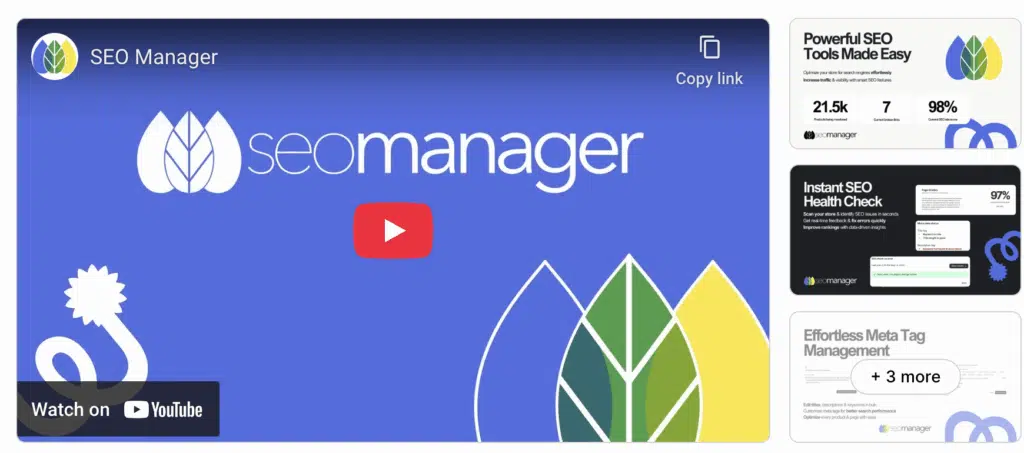
Venntov has literally written the book on Shopify SEO, as it says on their site, but I guess it’s never been published. Instead, they’ve designed SEO Manager, an elegant Shopify SEO tool that helps with technical optimization. It performs page analysis in real-time and highlights issues and opportunities with practical solutions that you can implement without switching tabs.
Standout Features
- Real-time SEO scores and on-page recommendations
- Keyword research, targeting, and placement guidance
- Google search result preview with an integrated editor
- Broken link redirect management and 404 error logging
- JSON-LD structured data markup support
Pricing
- Starter: $9/month
- Essential: $29/month
- Professional: $59/month
- 7-day free trial
Who It's Best for
Store owners who want more control over SEO settings and prefer real-time guidance without needing external SEO software.
Pros
- In-depth optimization suggestions for each page
- Simple workflow for keyword use and targeting
- Helps fix technical issues like 404s and redirects
Cons
- No built-in image optimization or alt tag automation
- There’s a slight learning curve for absolute beginners
Shopify App Store Rating
4.7/5 stars based on 633 reviews
4. Booster SEO & Image Optimizer
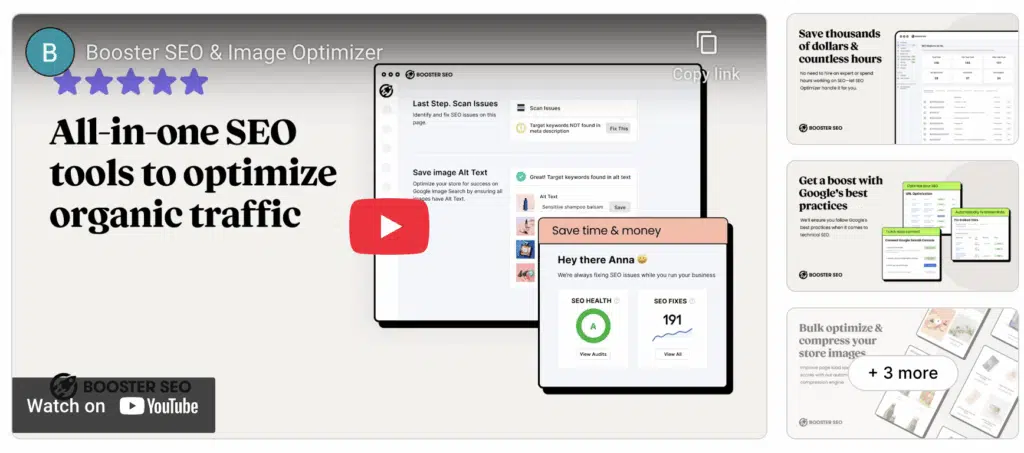
Booster SEO & Image Optimizer is a top-rated solution for Shopify stores that boosts SEO by automating image compression, a precious combo for owners struggling with speed. In fact, this tool means serious business when it comes to automation and does a lot of heavy lifting for you. It generates alt texts, lets you rename files in bulk, and updates your sitemap and robots.txt file.
Standout Features
- Automatic image compression and alt-text generation
- SEO health reports with a list of priorities for issues
- Robots.txt and sitemap generation and updates
- Quick templates for meta titles and descriptions
- JSON-LD schema support
Pricing
- Free Plan: Basic image optimization and SEO tools
- Pro: $39/month for complete SEO optimization
- Premium: $69/month for image compression
- 14-day free trial for paid plans
Who It's Best for
Shopify stores with large image inventories or site speed issues.
Pros
- Boosts page load times by optimizing images in bulk
- Automates behind-the-scenes technical SEO upkeep
- Easy to set up and use, even for first-time SEO users
Cons
- Image compression is locked in the Premium plan
- Paid tiers are pricey compared to most competitors
Shopify App Store Rating
4.9/5 stars based on 4,389 reviews
5. Avada SEO Suite
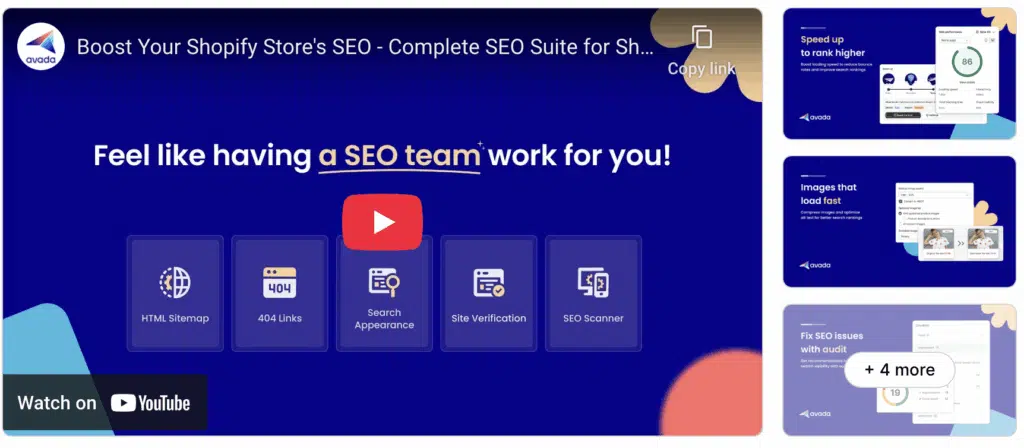
Avada SEO Suite is a comprehensive Shopify tool that leaves nothing to chance. It provides end-to-end solutions for on-page SEO, allowing you to scan your store while working and cross potential issues off the live checklist. If there are any missing meta tags, slow-loading images, or broken links that can hurt your rankings, it will let you know before they get picked up by crawlers.
This truly extensive suite includes a keyword suggestion tool that shows relevant terms directly in your product and collection pages while you’re editing. Just when I thought there could not be more, Avada surprised me with rich snippet markup, multilingual SEO, and automatic redirects for broken URLs. If you have a large store and you plan to keep growing, this tool is a solid pick.
Standout Features
- SEO checklist with real-time diagnostics
- Keyword suggestions on product pages
- Auto 301 redirects for broken URLs
- JSON-LD schema support for rich results
- Multi-language SEO compatibility
Pricing
- Free Plan: Core tools and diagnostics, including Alt optimize
- Pro Plan: $34.95/month
- Enterprise Plan: $99/month
- 7-day free trial for paid plans
Who It's Best for
Large store owners in need of scalable solutions that combine automation with manual control.
Pros
- Helpful for diagnosing and fixing issues while building a store
- Supports multilingual SEO setups for international stores
- Reduces bounce rates by automatically handling broken links
Cons
- The UI may feel overwhelming with advanced features
- Some suggestions may require manual technical fixes
Shopify App Store Rating
4.9/5 stars based on 3,898 reviews
6. Yoast SEO for Shopify
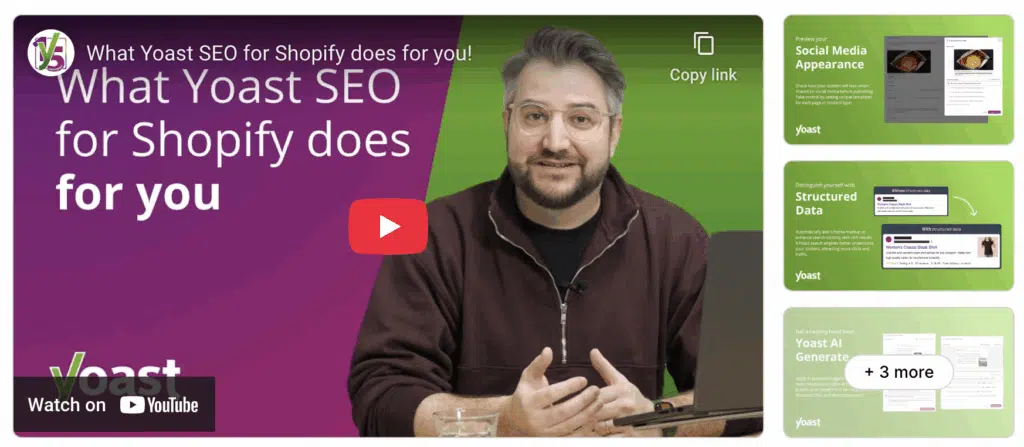
Do you depend on creative writing to drive clicks and conversions? Then Yoast is for you. Made primarily for WordPress sites, this beginner-friendly tool is well-known for its clean interface and content-focused SEO guidance. Yoast may not be the most technical SEO tool, but it’s a loyal ally for content optimization, both in terms of readability and keyword targeting and placement.
Yoast SEO for Shopify also equips online retailers with features like built-in structured data, automatic canonical tags, and SEO previews for Google and social media. It can’t optimize your images, but it will help you craft a copy that’s easy to find and irresistible to click on.
Standout Features
- Real-time readability and SEO analysis
- Preview editor for SERPs and social media
- Automatic structured data and canonicals
- Smart suggestions for internal linking
- Multilingual SEO with Shopify Markets
Pricing
- Premium Plan: $19/month
- 14-day free trial before purchase
Who It's Best for
Sellers who rely on content quality and need help writing clickable copies.
Pros
- Excellent tool for improving product and blog content
- Previews boost how you look on SERPs and Facebook
- Canonical tagging instantly prevents duplicate content
Cons
- There’s no image optimization capability
- You can’t use Yoast for Shopify for free
Shopify App Store Rating
4.4/5 stars based on 129 reviews
7. Sherpas Smart SEO
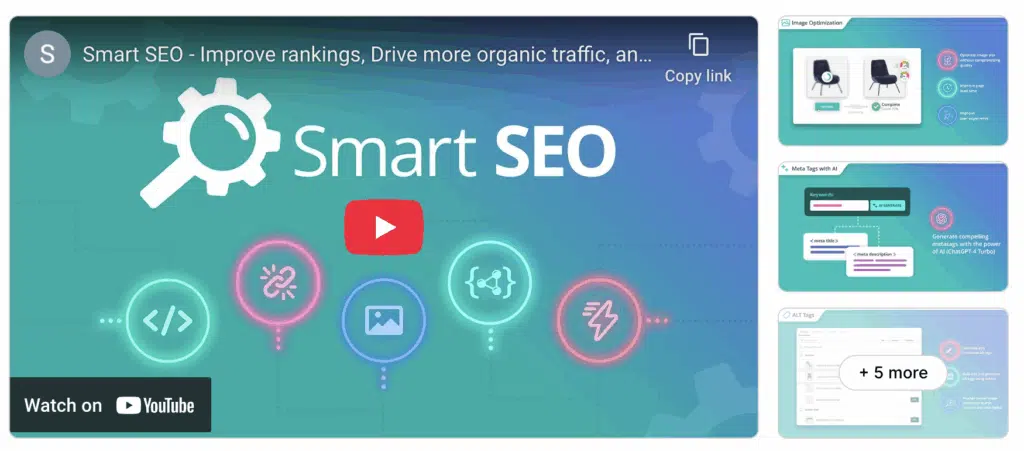
Trust Sherpas to build you a technical SEO tool for any given environment, and you’ll get Smart SEO for Shopify. Its star feature is a dynamic templates system that lets you generate metadata in bulk based on custom rules like product type, tags, or vendor. And if you get busy or just lazy, you can automate other elements like meta tags, alt texts, schema, and multilingual metadata.
My general impression? Sherpas Smart SEO is a great tool for store owners who know better than to underestimate their SEO needs or manually micromanage every page.
Standout Features
- Smart templates for meta tags and alt texts
- Bulk editing for metadata fields
- Automatic JSON-LD structured data markup
- Hreflang support for multilingual optimization
- Broken link detection and sitemap updates
Pricing
- Free Plan: Limited features for small stores
- Pro Plan: $9.99/month
- Business Plan: $19.99/month
- Premium Plan: $29.99/month
- 7-day free trial for paid plans
Who It's Best for
Store owners with large catalogs or global customers who need bulk automation and multilingual SEO.
Pros
- Scales seamlessly with large inventories
- Simplifies global SEO with hreflang tags
- Flexible metadata templates save hours
- Affordable pricing with plans for all
Cons
- Limited hands-on optimization guidance
- The UI lacks real-time content scoring
Shopify App Store Rating
5/5 stars based on 879 reviews
8. JSON-LD for SEO
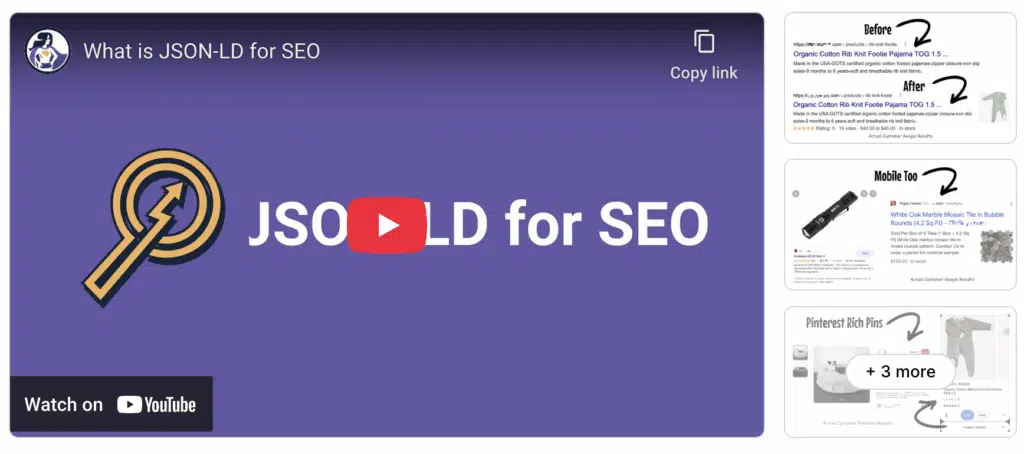
It might shock you to hear that JSON-LD for SEO is a specialized SEO tool for… JSON-LD. Its sole purpose is to help you add high-quality structured data to your Shopify store–and it does that exceptionally well. Instead of trying to compete with other tools on this list, it minds its own business and makes sure your store qualifies for rich results on Google, pushing it higher on SERPs.
JSON-LD might be narrow in scope, but it’s incredibly sophisticated and requires zero manual effort. It runs quietly in the background and updates automatically with Google.
Standout Features
- Complete and up-to-date schema support
- One-time setup with automatic updates
- Includes an SEO Simplified video course
Pricing
- Annual Pro: $399/year
- 7-day free trial for Pro
Who It's Best for
Sellers who want to improve SERP visibility with rich snippets without complex code.
Pros
- Quality schema for all types of structured data
- Works with all the latest Shopify store themes
- Customizable for pre-orders and subscriptions
Cons
- There are no other features for SEO
- Pretty expensive for a specialized tool
Shopify App Store Rating
4.9/5 stars based on 420 reviews
9. TinyIMG
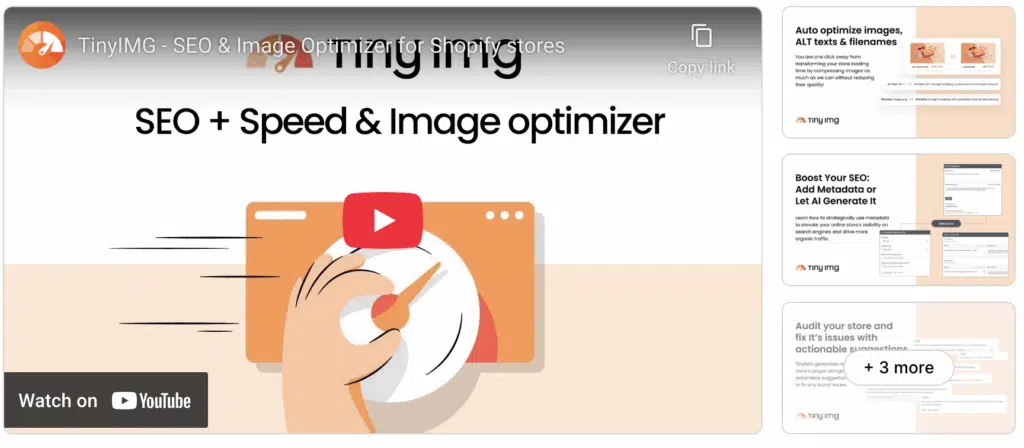
TinyIMG helps you tackle two key elements of Shopify SEO: image optimization and technical health. It offers top-notch image compression that doesn’t sacrifice quality for automation, which is fantastic news for store owners with large inventories that depend on visual content. In terms of technical SEO, TinyIMG detects common issues like meta tags, broken links, and slow load times.
Besides the standard but reliable SEO kit, I also liked the tool’s file renaming feature, which automatically assigns SEO-friendly, keyword-rich names to boost image visibility. Plus, there are other useful features like automatic JSON-LD, metadata templates, and multilingual SEO support.
Standout Features
- Automatic image compression and renaming
- Meta tag and alt text templating system
- 404 and broken link detection and redirects
- JSON-LD for structured data markup
- Page speed insights and improvement tips
Pricing
- Pay As You Go: $0 with pay-per-use purchases
- Beginner Plan: $14/month
- Advanced Plan: $23/month
- Yearly Plan: $96/year
Who It's Best for
Non-technical sellers who rely heavily on visual content and want faster load times.
Pros
- Excellent balance between automation and customization
- Speeds up load times for image-heavy Shopify stores
- Goes beyond image fixes to run technical SEO audits
- Offers a pay-as-you-go plan with flexible pricing
Cons
- Basic interface compared to more advanced SEO tools
Shopify App Store Rating
5.0/5 stars based on 1,704 reviews
10. Rankioz
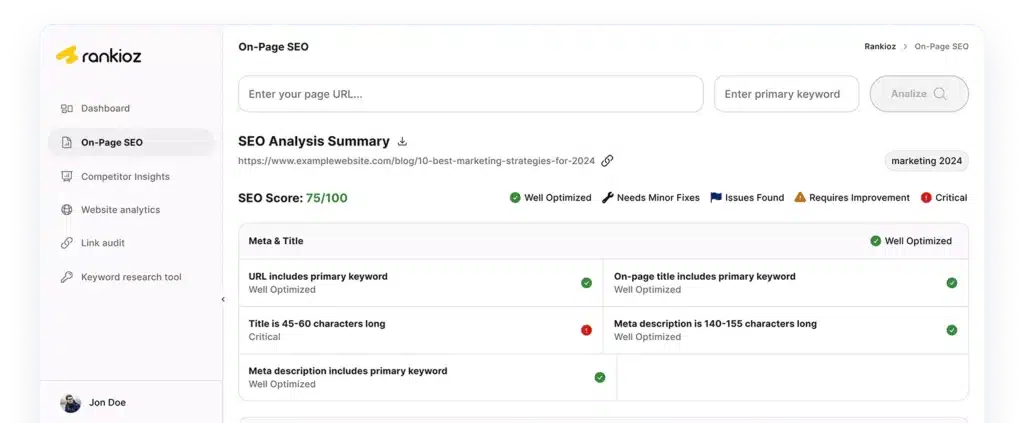
Rankioz is the best Shopify SEO tool outside of the Shopify App Store. Can it replace specialized tools like JSON-LD for SEO or TinyIMG? No, not exactly. But it will super-charge your rankability with high-quality keywords and competitor analysis. It can dig up long-tail keyword opportunities that are tailored to your niche and help you outrank stores competing in the same place as you.
As part of a full-feature SEO toolkit, you’ll get SERP tracking, backlink analysis, competitor keyword gap reports, and other capabilities needed for building a content-first SEO strategy for Shopify. Rankioz can be stacked with other Shopify tools for a complete SEO view of your store.
Use Rankioz to find profitable long-tail keywords and track your competitors’ rankings, essential for Shopify growth. Start your free trial today.
Standout Features
- In-depth keyword discovery and long-tail terms
- Competitor keyword and backlink gap analysis
- SERP position tracking over time
- On-page SEO audits and suggestions
- White-label reporting for agencies and consultants
Pricing
Who It’s Best for
Online sellers who want to extend their retail empire and track SEO performance beyond Shopify.
Pros
- Five-star keyword tool for uncovering niche search terms
- Complements Shopify tools with features they often lack
- Great for agencies managing multiple client Shopify stores
Cons
- Doesn’t integrate directly with the Shopify dashboard
- Requires a separate tool for on-page and technical fixes
Comparison Table
| Tool | Keyword Research | Site Audit | Competitor Analysis | Rank Tracking | Free Trial | Best For |
|---|---|---|---|---|---|---|
| Rankioz | Built as a lightweight SEO toolkit: keyword research, SERP scraping, backlinks, and on-page analysis. | On-page analysis/page audits. | Competitor SERP/landing analysis via SERP extraction and backlink checks. | Offers rank / SERP monitoring features. | 7-day free trial. | Small business owners who are developing their brand and freelancers. |
| Semrush | Full-featured (Keyword Magic, intent filters, SERP features, PPC insights). | Comprehensive technical and on-page audits (Site Audit + On-Page SEO Checker). | Extensive (Domain/Organic/Paid gap, Ads research, Traffic Analytics). | Daily/location/device tracking with historical trends. | 7-day free trial on many toolkits, requires credit card info. | All-in-one marketing suite; agencies and advanced SEOs. |
| Ahrefs | Powerful Keywords Explorer (KD, volume, traffic potential; huge backlink index used for keyword insights). | Robust Site Audit (170+ checks; prioritized issues). | Excellent backlink and domain competitive analysis (Site Explorer, Link Intersect). | Daily keyword updates on higher plans; reliable history/trends. | No standard free trial currently; offers free Webmaster and SEO tools. | Best for backlink research and technical or competitive link intelligence. |
| Moz Pro | Moz Keyword Explorer (user-friendly metrics, suggestions, intent, and SERP features). | Site Crawl and On-page audit (good for beginners / local SEO). | Basic competitor/keyword gap insights; good UI for small teams. | Rank tracking available with history; suitable for SMBs and local. | 7-day free trial available for Moz Pro Standard and Medium tiers. | Beginners, local SEO, and small teams that want a simpler UI. |
| SE Ranking | Full keyword research (bulk keyword tools, suggestions, SERP analysis). | Solid site audit (large crawl limits, actionable tasks). | Competitor monitoring and domain comparisons, PPC data. | Professional rank tracker (localization, device, competitor tracking). | 14-day free trial with no credit card requirement. | Value-focused all-in-one for freelancers, agencies, and SMBs. |
| Serpstat | Keyword research, cluster suggestions, PPC, and SERP analysis. | Site Audit with large page quotas and in-depth reports. | Domain and keyword competitor analysis (rank and visibility comparisons). | Rank Tracker (230+ regions, mobile/desktop, competitor tracking). | 7-day free trial. | Cost-effective suite for agencies and power users on a budget. |
| Ubersuggest | Keyword ideas, search volume, and difficulty; simplified UX aimed at content creators. | Site Audit features (SEO issues, basic fixes) included. | Competitor overview (traffic estimates, top pages, keywords). | Rank tracking included (project-based tracking). | Full Free tier with limited queries; paid plans available. | Beginners and content marketers who want low-cost, easy tools. |
| SpyFu | Strong keyword research focused on competitor keywords (organic + PPC history). | Basic audits / on-page checks via reports and integrations (more focused on competitor intel). | Core strength, deep competitor and PPC/x-paid history, ad spend estimates, keyword tracking. | Rank tracking + historical visibility and competitor ranking comparisons. | Free accounts have limited searches; paid plans include a trial and a 30-day refund policy. | PPC and competitive keyword research; marketers focused on paid search intelligence. |
| Raven Tools | Keyword research and manager (multi-source data). | Site auditing and technical crawler + white-label reporting. | Competitor Manager and backlink/authority comparisons. | SERP tracker with scheduled checks and historical trends (plan-dependent limits). | 7-day free trial. | Agencies and consultants wanting integrated reporting + white-label outputs. |
| WebCEO | Keyword research tools (suggestions, grouping). | Site Health / Audit (on-page + technical checks). | Competitor metrics and keyword/visibility comparisons. | Rank Tracker across many engines and local regions; agency-friendly. | 14-day free trial (no credit card required). | SMBs and agencies that need white-label reporting and an affordable full suite. |
Can You Do SEO on Shopify?
Yes, you can do SEO directly on Shopify, but only to a certain extent.
The platform comes with a handful of SEO features, like clean URL structures, automatic sitemaps, and editable meta fields, but I’m afraid these tools are not enough for maintaining your store’s SEO health, especially if you’re planning to grow or if you need added exposure.
Then, Shopify stores have a few limitations that may hurt your SEO:
- Store’s theme
- URL structure
- Page speed
The theme plays a crucial role in how you perform in SERPs. Pick a poorly coded theme or try to edit a good one without any technical skill, and it will slow down your page speed, mess with your structured data, or create duplicate content that will confuse search engines.
Shopify’s URL structure spells a crawling disaster, too. Not being able to change URLs for product and collection pages means less focus on targeted keywords in URLs.
Last but not least is page speed. Truth be told, Shopify has worked hard to improve its core performance, but the platform’s reliance on images and themes can easily undo all that. Page load time is directly responsible for bounce rate and rankings, so it’s kind of a big deal.
In short, that’s why you need third-party tools. Solutions that can compress images and monitor speed bottlenecks are absolutely vital for Shopify success. The same goes for structured data support and meta tag tools, which help solve bloated themes and keep URLs clean.
Want to do it faster than the competition?
Use Rankioz to power your SEO strategy. Try it for free.
Free vs Paid SEO Apps for Shopify
Should you consider paying for a Shopify SEO tool? And when?
If you’re a new shop owner, you don’t have to think about that.
Free tools and plans with basic SEO features are a great starting point, as long as they can help you detect and clean up major issues that can crash your rankings. If it enables you to edit meta titles and descriptions, generate alt texts, and run audits, it’s good enough.
You’ll also notice that free tools come with usage caps, limited automation, and generic tips, which will start to feel restrictive when your store begins to grow. At this point, you should either upgrade or start looking for a capable paid alternative that can scale with you.
The greatest advantages of paid tools for Shopify SEO are better support, deeper data, and hands-free automation. Paid apps also come with faster response times, detailed insights, and more customizable workflows, but that can cost up to $70 per month. It’s not cheap.
If you need a more affordable solution, Rankioz is a smart choice. It gives you in-depth keyword research, SERP tracking, and competitor analysis for only $30 per month. You can stack it with a free tool and get a full Shopify SEO suite for a fraction of what you’d have to pay.
E-commerce Use Cases
One thing that both free and paid Shopify SEO apps lack is flexibility. If you look in the App Store, you will find either specialized tools like JSON-LD and TinyIMG or general-purpose Shopify apps like Plug In SEO and Smart SEO. Notice a gap? Neither is built for your needs.
The best Shopify SEO tool for you is the one that fits your store size, business model, and ultimate goals. With that in mind, I’ve stacked a few in-store apps from this list and external tools like Rankioz to help you grow your store in four common e-commerce scenarios:
Just Starting Out
You’re just launching your first Shopify store? In that case, your priority is to get indexed and to build organic traffic. Use a free SEO tool like Plug In SEO or Smart SEO for basic optimization without technical skills, and combine it with Rankioz to target the right keywords.
100+ Product Store
I have just one word for you: automation.
When you’re managing an expanding catalog, you need premium apps like Sherpas Smart SEO or Avada to automate metadata and alt text generation, but you also need a tool like Rankioz to monitor rankings, spy on competition, and create content that drives conversions.
Niche Dropshipping
Dropshipping has notoriously tight margins and high competition: You need to get and stay ahead no matter what. I’d use an app like Booster SEO for speed and image optimization, and a tool like Rankioz to keep my copy fresh, relevant, and in vogue with the latest trends.
Local Shopify POS
You’re running a brick-and-mortar store with Shopify POS? You still need SEO. Use a tool like Yoast to optimize for local SEO and get discovered in local searches. Rankioz can help you find geo-targeted keywords and monitor how your store performs in local SERPs.
Frequently Asked Sections About Shopify SEO Tools
What Is the Best Shopify SEO App?
The best Shopify SEO app is the one that fits your needs. Smart SEO and Avada are the best tools for automation, while Yoast SEO delivers the best content optimization results. For structured data, use JSON-LD for SEO. If you need keyword and competitor research, go with Rankioz.
Are Shopify’s Built-in SEO Features Enough?
Shopify offers a handful of features for SEO support, but it lacks advanced capabilities that actually make a difference in competitive e-commerce niches.
Can I Use Yoast with Shopify?
Sure, there is a special version of Yoast built specifically for content-focused sellers on Shopify. It includes features for real-time content analysis, social previews, and structured data.
How Do I Optimize Images for SEO on Shopify?
Shopify SEO tools like TinyIMG or Booster SEO are made to help store owners compress image files, automate alt text, and add keywords to image filenames. Optimizing Shopify images for SEO helps improve page speed and visibility in Google Image Search.
The Right SEO Tool Makes All the Difference
Shopify may feel crowded and competitive, but the right SEO tool–or combination of them, can help you get noticed. Look at the Shopify App Store for image optimization, structured data support, and technical SEO. The only feature you won’t find is keyword research.
The apps I’ve covered here can do virtually everything you need to make your Shopify store discoverable, but they can’t help you discover competitive keywords. Rankioz can.
With Rankioz, you’ll notice a true difference, and not only because it actually enables you to monitor your SEO progress. It also helps you uncover keywords that your competitors rank for and find content gaps that no one else is targeting. And it’s only half your SEO budget.
Want to compete smarter on Shopify’s most valuable real estate? Try Rankioz free and start building your store’s next traffic breakthrough.